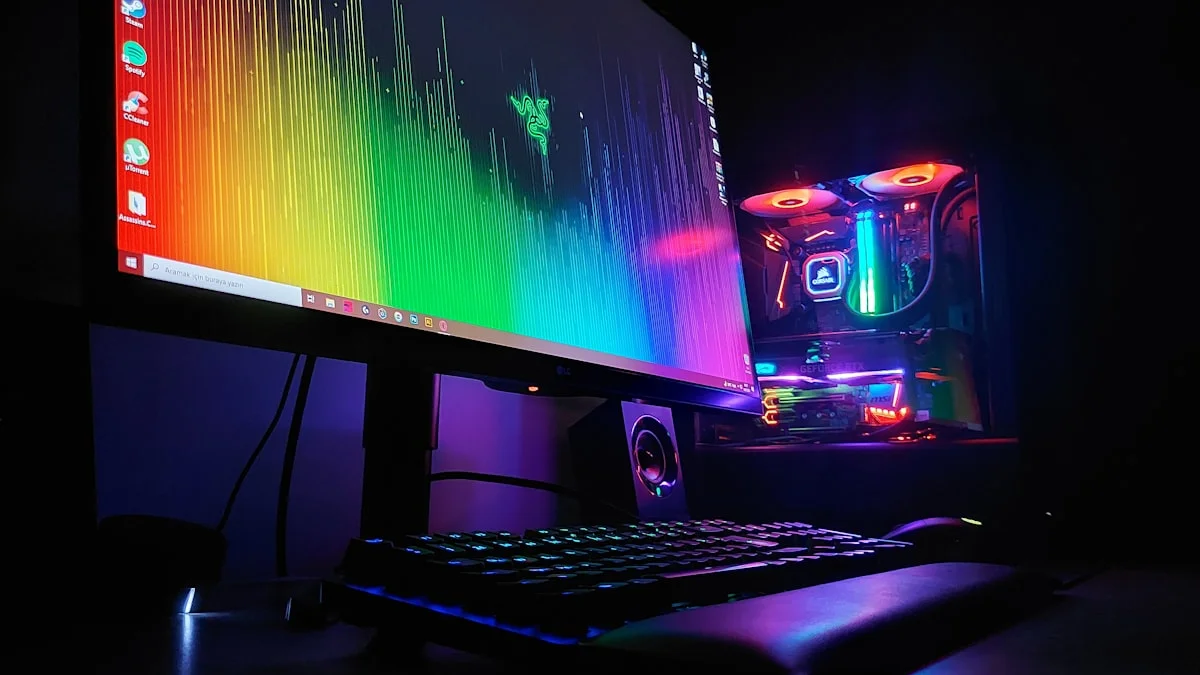
Shopping for a gaming monitor in 2026 can feel like decoding a spec sheet written in a foreign language. Every product page throws numbers at you: 1440p, 240Hz, 0.03ms, QD-OLED, HDR1000. Some of these specs matter enormously for how your games actually look and feel, while others are marketing noise that barely registers in real-world use. This guide breaks down the three decisions that matter most — resolution, refresh rate, and panel type — and explains how to line them up with the graphics card you already own or plan to buy, so you don’t end up with a screen that’s either wasted potential or a bottleneck.
Resolution: 1080p, 1440p, or 4K
Resolution determines how sharp and detailed the image looks, but it also directly determines how hard your GPU has to work. 1080p remains completely valid in 2026, especially for competitive shooter players who prioritize frame rate above all else and for anyone gaming on a mid-range or older graphics card. It’s the easiest resolution to push to very high frame rates without upscaling tricks. 1440p has become the sweet spot for most enthusiasts, offering a noticeably sharper, more immersive image than 1080p while still being achievable at high frame rates on a mid-to-upper-range GPU. It’s the resolution where the jump in visual fidelity feels worth the extra GPU horsepower required.
4K sits at the top and delivers the most detail and the best experience for slower-paced, visually rich single-player games, but it’s demanding. Even with a capable current-generation GPU, hitting high frame rates natively at 4K in modern titles often requires leaning on upscaling technology like DLSS or FSR. If you’re building around a 4K display, budget for a higher-tier GPU or make peace with using upscaling as a standard part of your workflow rather than an occasional crutch. Screen size matters here too — 4K’s extra detail is much easier to appreciate on a 32-inch or larger panel, whereas a 24 or 27-inch 4K screen has so much pixel density that the benefit over 1440p becomes harder to see from a normal viewing distance.
Refresh Rate: 144Hz, 240Hz, 360Hz, and Beyond
Refresh rate measures how many times per second your monitor redraws the image, and higher numbers translate into smoother motion, less perceived blur, and — for competitive players — a real edge in tracking fast-moving targets. 144Hz is the modern baseline and a massive step up from the 60Hz standard of a decade ago; for the vast majority of gamers, including most people who play a mix of single-player and multiplayer titles, 144Hz already looks and feels excellent. 240Hz is where things start to matter specifically for competitive shooters and fast-paced esports titles, where the difference in responsiveness and clarity during quick flicks and tracking becomes genuinely noticeable to trained players.
360Hz and higher refresh rates exist primarily for the most dedicated competitive gamers, particularly those playing at 1080p where hitting those frame rates is actually achievable. The returns diminish sharply past 240Hz for casual and even semi-serious players — the jump from 60Hz to 144Hz is transformative, 144Hz to 240Hz is a clear but smaller improvement, and 240Hz to 360Hz or beyond is a refinement mostly appreciated by players who’ve built their whole setup around minimizing input-to-photon latency. One trend worth knowing about heading into a purchase is dual-mode monitors, which let a high-resolution panel switch down to a lower resolution in exchange for a much higher refresh rate, giving you flexibility between immersive single-player sessions and competitive multiplayer without buying two monitors.
Panel Type: IPS vs VA vs OLED
Panel technology shapes color accuracy, contrast, viewing angles, and response time, and it’s arguably the spec most likely to be misunderstood. IPS panels have long been the default for gaming monitors because they offer strong color accuracy and wide viewing angles at a reasonable price, with response times fast enough for competitive play. Their main weakness is contrast — blacks look more like dark gray than true black, which becomes noticeable in dark scenes or horror games.
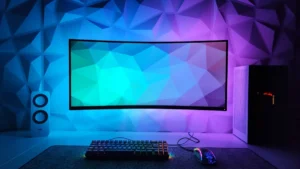
VA panels flip that tradeoff, delivering much deeper blacks and higher native contrast at the cost of slightly slower pixel response and viewing angles that can shift color when seen off-axis. VA has become less common as a first choice for dedicated gaming monitors as OLED prices have fallen, but it still offers strong value in curved ultrawide and budget high-refresh options. OLED, meanwhile, has genuinely gone mainstream in 2026. Prices that once kept 4K OLED gaming monitors well above $1,500 have dropped substantially, putting large, genuinely excellent OLED panels within reach of a much broader range of buyers. OLED’s individually lit pixels produce true per-pixel black levels, near-instant response times, and vibrant color that IPS and VA simply can’t match. Within OLED, you’ll see two underlying technologies: QD-OLED, which tends to produce richer, more saturated color, and WOLED, which typically runs brighter and handles glare in well-lit rooms a bit better. Long-standing burn-in worries have been meaningfully addressed through pixel-shifting, brightness limiting, and improved panel materials, though it’s still wise to avoid leaving static, high-contrast elements like HUDs or taskbars on-screen for extended, unbroken hours if you want to maximize a panel’s lifespan.
Matching Your Monitor to Your GPU
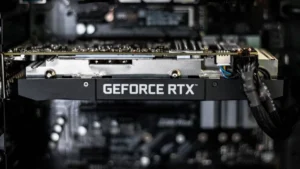
The single biggest mistake gamers make is buying a monitor that’s mismatched with their graphics card. Pairing a 4K 240Hz monitor with an entry-level GPU means you’ll rarely, if ever, see anything close to that refresh rate in demanding games, and you’ve effectively paid for capability you can’t use. The reverse mismatch is just as wasteful — a high-end GPU paired with a 1080p 144Hz monitor will hit that refresh rate ceiling constantly, leaving performance on the table that a higher-resolution or higher-refresh panel could have put to use.
A reasonable rule of thumb is to think in tiers. Entry and mid-range GPUs pair naturally with 1080p or 1440p at 144Hz, comfortably hitting high frame rates in most titles without needing heavy upscaling. Upper-mid-range and high-end GPUs open the door to 1440p at 240Hz or 4K at 144Hz, depending on whether you prioritize smoothness or detail. Flagship-tier GPUs are really the only cards that make 4K at 240Hz a consistently native experience without leaning hard on frame generation, though modern upscaling and frame-generation technology has made even ambitious pairings far more workable than they used to be. When in doubt, check current benchmark data for the specific games you play most, since frame rates vary enormously between a fast-paced shooter and a graphically dense open-world title.
Other Specs Worth Understanding
A few remaining specs deserve a quick mention because they get thrown around loosely. Response time, usually listed in milliseconds, measures how quickly a pixel changes color, and lower is better for reducing motion blur and ghosting — OLED panels lead here by a wide margin. Adaptive sync technology, whether it’s a variable refresh rate standard tied to your GPU brand or an open standard, prevents screen tearing by syncing your monitor’s refresh rate to your GPU’s frame output, and it’s worth confirming a monitor supports whichever standard matches your graphics card. HDR support sounds appealing on a spec sheet, but the actual experience varies enormously based on peak brightness and local dimming quality, so treat HDR certifications as a starting point for research rather than a guarantee of a great HDR picture. Curved ultrawide monitors, meanwhile, offer an immersive field of view for single-player and simulation games but aren’t ideal for every competitive title, so consider your primary use case before committing to that format.
Ultimately, the “best” monitor is the one that matches both your GPU’s real-world capability and the way you actually play. A thoughtful, moderately specced monitor paired sensibly with your hardware will beat an aspirational, top-shelf panel that your system can’t drive properly — so buy for the setup you have, not the one you wish you had.