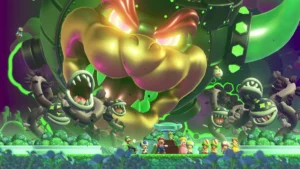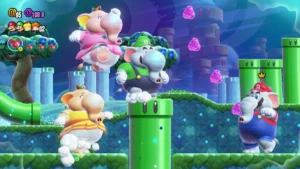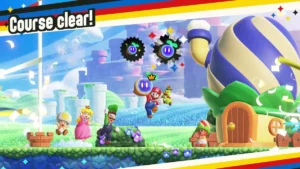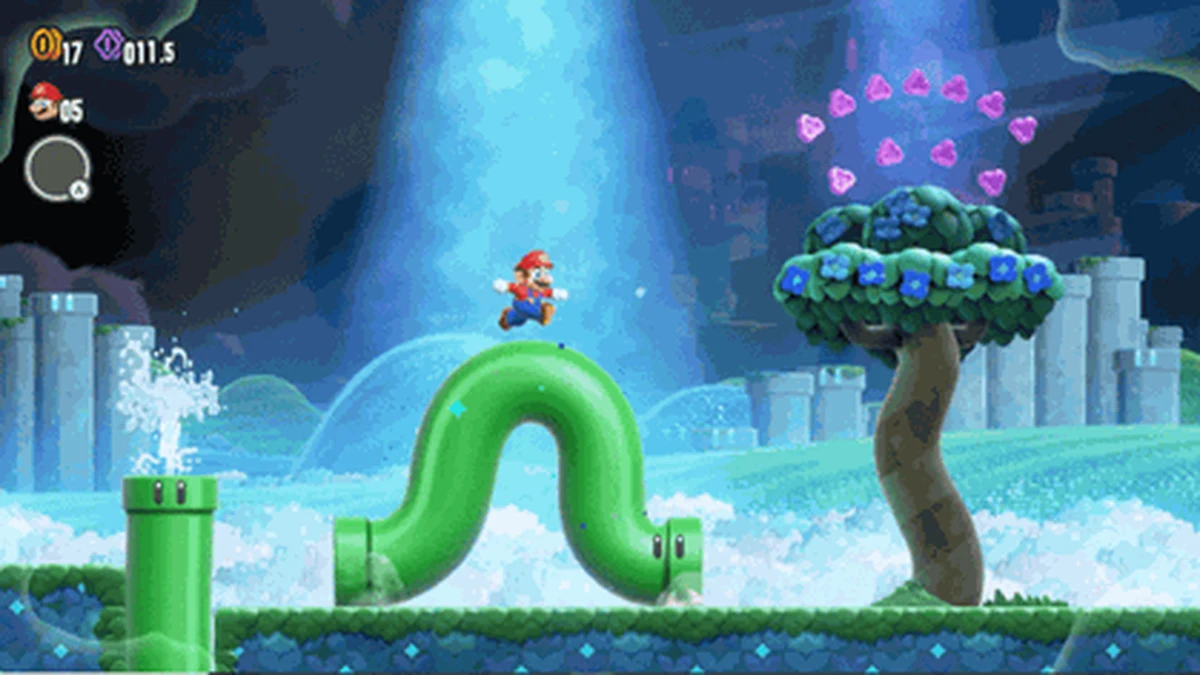
Super Mario Bros. Wonder was designed from the ground up to be played together, and its multiplayer systems go well beyond simply letting a few people share a screen. Between flexible local co-op, online play with strangers or friends, and a roster that includes characters built specifically for less experienced players, Wonder offers several distinct ways to enjoy the game as a group. This guide walks through how local and online multiplayer work, how Standees function, and how to set up the best experience if you are playing with kids or newcomers to platformers.
Local Co-Op: Up to Four Players, One Console
In local play, up to four players can join a single Nintendo Switch console at once, each controlling their own character on screen simultaneously. Unlike some earlier side-scrolling Mario games that used strict camera locking, Wonder gives players more room to move independently, reducing the frustration of being dragged along by a faster or slower teammate.
If a player is defeated during local co-op, their character does not simply respawn instantly. Instead, they turn into a floating ghost that drifts around the course. Another player can revive them by physically touching that ghost before a short timer runs out, bringing them back into the action without costing the group a life. This system encourages genuine cooperation, since sticking together and looking out for a struggling teammate has a direct, tangible benefit rather than just being a nice gesture.
Online Multiplayer: Playing With Friends or Strangers
Online, up to four players can tackle the same course together, and a Nintendo Switch Online membership is required to take part. Beyond direct course play, Wonder also features a broader online co-op space where players can interact with a much larger pool of participants, up to a dozen or more in a shared room, even if only four are actively racing through a course together at any given moment.
Online sessions can be set up to play with friends specifically or opened up to play alongside other Nintendo Switch Online members you do not know, giving you flexibility depending on whether you want a private session or a more social, drop-in experience. Because online and local multiplayer are handled through separate menu options, it is worth checking your session settings before starting a course if you are aiming for a particular setup.
How Standees Work
Standees are one of Wonder’s more distinctive multiplayer features. A player can place a Standee by crouching and pressing the designated button, and doing so plants a flag-like marker at that spot in the course. Placing a new Standee automatically deactivates and removes any Standee that player placed earlier, so only one of your Standees can be active in a course at a time.
In online play, Standees serve as a shared safety net. If you place one and later get knocked out and turned into a ghost, other online players, even ones who are not directly grouped with you as a party, can potentially benefit from Standees left behind, and touching a Standee left by someone else can restore heart points and offer a form of connection between separate playthroughs of the same course. In local co-op, Standees function similarly to reinforce the ghost-revival system already at play, giving grounded checkpoints that make coordinating a rescue easier.
Standees also come in a variety of collectible designs that can be purchased with Flower Coins at in-game shops, so part of the appeal is cosmetic: players can customize which design appears when they place one, adding a small layer of personal expression to an otherwise functional mechanic.
Playing With Kids and Beginners
Wonder’s character roster was clearly built with accessibility in mind, and this matters a lot for anyone introducing a younger or less experienced player to the game. Nabbit and the various colors of Yoshi share a key trait: neither can take standard damage from enemies or hazards, though they can still lose a life by falling into a bottomless pit. This effectively functions as a built-in easy mode, letting newer players focus on learning movement and platforming timing without the added pressure of enemy contact ending their turn.
The tradeoff is that Yoshi and Nabbit do not transform when they pick up power-ups, so players using them will miss out on becoming an Elephant, blowing bubbles, or using the Drill Mushroom’s burrowing ability. For many family groups, a natural setup is having a more experienced player choose Mario, Luigi, Peach, Daisy, or a Toad character to experience the full range of power-ups, while a newer player takes Yoshi or Nabbit to explore the course with less risk.
Because the ghost-revival system in local co-op means a struggling player can always be picked back up by a teammate, group runs tend to be far more forgiving for beginners than solo play, even on characters that can take damage. Encouraging more experienced players to place Standees near tricky sections is a simple way to make hard stages more approachable for the whole group.
Tips for a Smooth Multiplayer Session
A few practical habits go a long way in group play. Agree on a character split in advance, especially if someone in your group prefers exploring at their own pace, since Wonder does not force everyone to stay tightly bunched together on screen the way older Mario titles did. Use the crouch-and-place Standee technique before attempting a section you expect to be difficult, so a fallen player has a quick way back into the action. And if you are playing online with strangers rather than friends, keep in mind that courtesy features like Standees work both ways: leaving one behind can help other players you never directly interact with, which is part of what makes Wonder’s online space feel more collaborative than competitive.
For a complete walkthrough of the game’s worlds, power-ups, and secrets that applies whether you are playing solo or with a group, check out our complete Super Mario Bros. Wonder guide.
Why Wonder’s Multiplayer Stands Out
What separates Super Mario Bros. Wonder from earlier co-op Mario platformers is how deliberately its systems reduce friction between players of different skill levels. The ghost-revival mechanic, the accessibility-focused Yoshi and Nabbit characters, and the shared Standee system all point toward the same goal: making it easy for a mixed group, including kids, beginners, or casual players, to enjoy the game together without one player’s mistakes ending the fun for everyone else.